
Routers are responsible for managing the internet into and out of our home networks making them one of the most important devices in our homes. They are also at risk for attacks and require our attention from time to time. Restarting or rebooting your router is a simple process and should be done from time to time. It can also stop some cyber attacks from happening so it's good practice to know how to do it.
Reasons you should re-start your router
- Internet speed appears to have slowed
- Web pages are loading slower than normal
- Internet access has stopped or is intermittent
- Stopping Cyber attacks
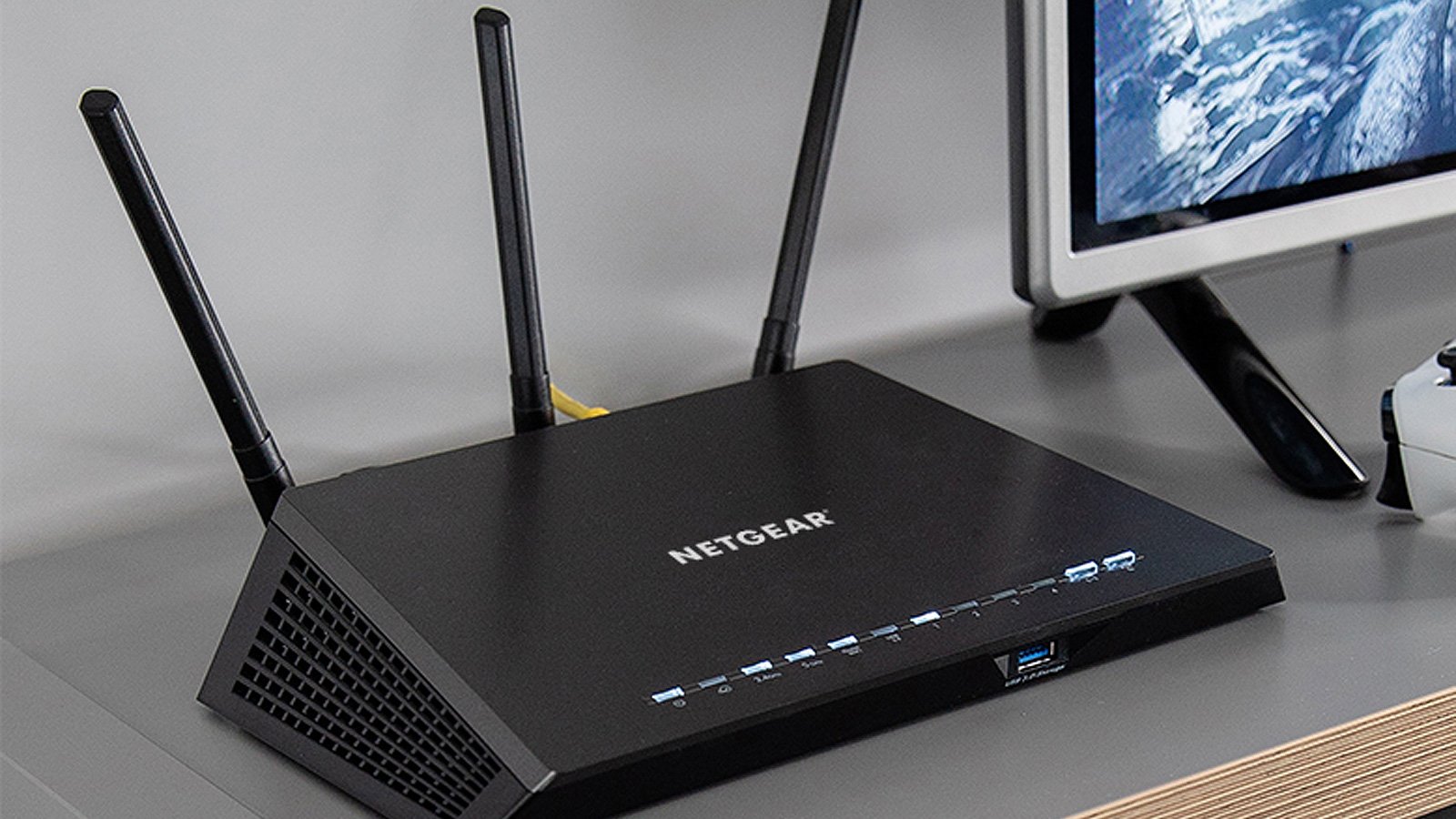
Instructions for restarting your router
-
Locate your router. Your router is what connects your home network to the outside world. It's the device that usually has cable or a telephone cable plugged into it.
-
Unplug the router. Once you’ve located your router, you’ll need to unplug it from the power. You should see a power connection on the back of it and you’ll need to pull that power cable out of it.
-
Leave the router unplugged for at least 30 seconds. While a full 10 seconds will suffice in many cases, you should still leave your router unplugged for at least 30 seconds. Waiting a full 30 seconds ensures that it will completely power down and disconnect from the internet. You want this to happen so the connection is forced to re-establish once it's powered back on.\
-
Plug in the router and wait. The amount of time your router needs to reboot depends on the manufacturer and your internet provider, but it's typically 3 to 5 minutes to reboot it normally. Once it's completely booted up, your mobile phone should automatically connect to your WiFi.
-
Test things out. Is your connectivity issue resolved? Perfect. You’ve successfully rebooted your modem and router.
Contact Us
Our agents and support team are here to answer questions, offer guidance and resolve any Cyber attacks.
To reach us:
Phone: +1 (223) 232-2220
Email: customersupport@cyberaid.app
You can submit a request in our Help Center or chat with us using our chatbot or our mobile cyber app.
Download CyberAid's App
Our mission at CyberAid is to keep you safe and secure online with all the cyber protection you need in one place. To get the most effective cyber defense, download our mobile cyber app.