
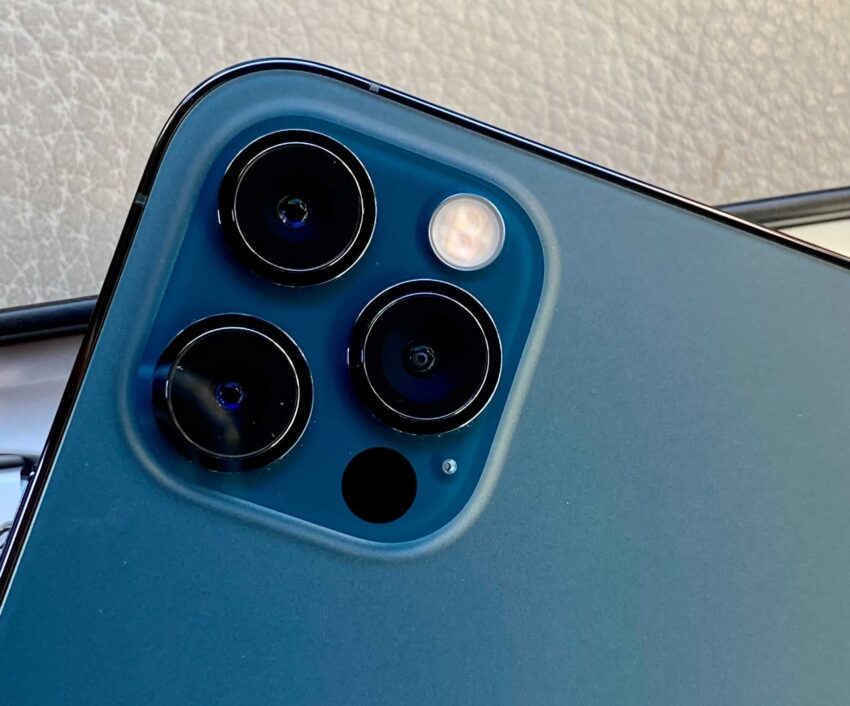
Follow these instructions to reboot your iphone and we recommend doing this occasionally to keep things running smoothly.
How to restart your iPhone X, 11, 12, 13 or 14
1.Press and hold either volume button and the side button until the power off slider appears.
2. Drag the slider, then wait 30 seconds for your device to turn off.
3. To turn your device back on, press and hold the side button (on the right side of your iPhone) until you see the Apple logo.
How to restart your iPhone SE (2nd generation), 8, 7, or 6
1. Press and hold the side button until the power off slider appears.
2. Drag the slider, then wait 30 seconds for your device to turn off.
3. To turn your device back on, press and hold the side button until you see the Apple logo.
How to restart your iPhone SE (1st generation), 5, or earlier
-
Press and hold the top button until the power off slider appears.
-
Drag the slider, then wait 30 seconds for your device to turn off.
To turn your device back on, press and hold the top button until you see the Apple logo.
Contact Us
Our agents and support team are here to answer questions, offer guidance and resolve any Cyber attacks.
To reach us:
Phone: +1 (223) 232-2220
Email: customersupport@cyberaid.app
You can submit a request in our Help Center or chat with us using our chatbot or our mobile cyber app.
Download CyberAid's App
Our mission at CyberAid is to keep you safe and secure online with all the cyber protection you need in one place. To get the most effective cyber defense, download our mobile cyber app.